Applicant Tracking System: Everything You Need to Know
Applicant Tracking System: Everything You Need to Know
.webp)

An Applicant Tracking System (ATS) is an indispensable part of any efficient recruitment process. ATS software automates many administrative tasks to save your team time and eliminate confusion across hiring stages.
If you're thinking of investing in an applicant tracking system — or finding a new one that meets your growing hiring needs — this guide covers everything: what an ATS is, how to choose the right one for your business, and how to make a strong internal case to get it approved.
What Is an ATS?
ATS stands for Applicant Tracking System — software that helps you manage your hiring process and store candidate information digitally. With an ATS, you can keep all candidate CVs, cover letters, and profiles in one place, and track every hiring action: emails, interview scheduling, feedback, and offer approvals. You can also export recruitment reports to measure performance over time.
This applicant tracking system definition makes one thing clear: an ATS is a powerful tool in the hands of recruiters and hiring managers.
ATS is the most common name for this category of recruitment software — but not all systems are equal. Some are basic and lightweight; others are robust platforms that can fundamentally transform how you hire. That's why more advanced platforms are sometimes called talent acquisition software, recruitment software, or hiring platforms instead of just ATS.
One function worth noting is Candidate Relationship Management (CRM) — a feature built into more advanced platforms that helps you nurture ongoing relationships with candidates by automating communication and keeping your talent pool warm.
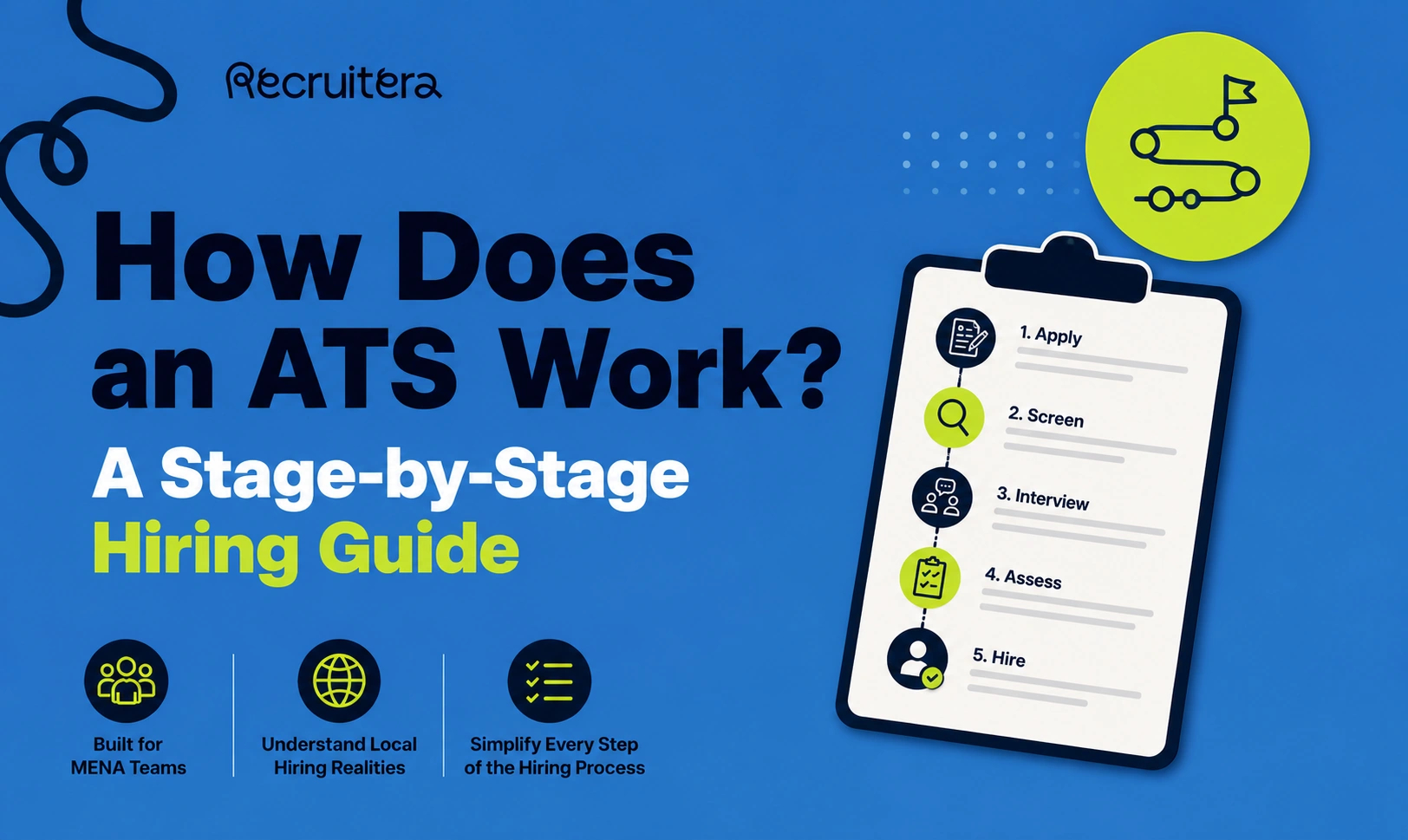
How Does an Applicant Tracking System Work?
The ATS acts as a centralized hub where most of your hiring actions happen. You can:
- Post jobs to multiple job boards simultaneously
- View and manage all applications in one place
- Search and filter your candidate database
- Evaluate candidates and move them through pipeline stages
- Schedule interviews directly from the platform
- Collaborate with hiring managers and share feedback
Some applicant tracking systems also include integrations with other tools — HRIS platforms, video interview software, calendar apps — to make the full hiring workflow seamless.
Using an ATS streamlines your hiring, improves efficiency, and helps you stay legally compliant (for example, by ensuring GDPR-aligned data handling).
Without an ATS, you likely deal with:
- Inconsistent candidate tracking across spreadsheets and email threads
- Miscommunication between recruiters and hiring managers
- Difficulty building and maintaining a talent pool
- Slow, manual hiring — from posting jobs to scheduling interviews to sending offers
With an ATS in place, you can:
- Automate administrative tasks — bulk rejection emails, interview scheduling, offer approvals
- Improve team collaboration — recruiters and hiring managers can share feedback and see pipeline status in real time
- Source and attract better candidates — via multi-channel job posting and talent pool management
- Deliver a stronger candidate experience — with professional career pages, clean application forms, and faster response times
- Generate hiring reports — time to hire, pipeline conversion, source performance, and more
- Maintain a searchable candidate database — tag, filter, and revisit past candidates for future roles
What an ATS does not do:
- Evaluate candidates for you — humans make the final call
- Automatically disqualify candidates — unless you set up qualifying knockout questions
- Identify all process gaps — you still need to interpret the data yourself
- Run itself — a good ATS is flexible and adapts to your process, not the other way around
The Best Applicant Tracking System Features
To get the full value of an ATS, make sure the platform covers these core hiring areas:
1. Multi-Channel Job Posting
The best platforms let you post jobs to multiple boards — free and paid — in a single click. Look for integrations with LinkedIn, WUZZUF, Forasna, Google Jobs, and your own careers page. The ability to embed job listings on your company website is a strong plus.
2. Careers Page Builder
From the moment a candidate lands on your careers page to the moment they submit their application, every interaction shapes their impression of your company. A good ATS helps you build branded, informative careers pages and compelling job ads with easy-to-complete application forms.
3. Interview Scheduling & Calendar Sync
The best systems make scheduling frictionless — candidates can self-schedule based on real-time availability, and all interview events sync automatically with Google Calendar and Outlook. This alone saves hours of back-and-forth per week.
4. Candidate Evaluation Tools
If there is one critical stage in the hiring process, it is the evaluation stage. Look for: structured interview scorecards, customizable evaluation forms, and integrations with third-party assessment tools. Objective and consistent evaluation methods help you identify the best candidates faster.
5. Team Collaboration
Hiring is never a solo effort. Your ATS should make it easy for everyone on the hiring team — recruiters, hiring managers, department leads — to leave comments, see each other's evaluations, and discuss candidate status without relying on email threads.
6. AI Scoring & CV Parsing
More advanced platforms use AI to automatically parse and summarize CVs, and score candidates against the job requirements. This can significantly reduce the time spent on manual screening, especially during high-volume hiring periods.
7. Mobile Access
Hiring managers are rarely desk-bound. They should be able to review candidates, leave feedback, and approve offers from their phones — without any friction.
8. Integrations
Your ATS should connect cleanly with your existing tools: email (Gmail, Outlook), HRIS, video interview platforms, and calendar apps. If your recruiting system integrates with your HR software, hired candidates can be imported into your employee database automatically.
9. Talent Pool Management
Sometimes the right candidate comes to you at the wrong time. Your ATS should let you tag, filter, and search your candidate database so you can re-engage past applicants when a relevant role opens up. This is one of the highest-ROI features for teams that hire repeatedly.
10. Hiring Reports & Analytics
Recruiters care about time to hire. Management cares about whether hiring goals are being met. The best ATS gives you real-time reports across both — including pipeline funnel metrics, source performance, and offer acceptance rates.
11. Data Security & Compliance
Make sure your ATS facilitates GDPR compliance and protects candidate data. Ask vendors directly how they handle data security, storage, and deletion requests.
What Is the Best Applicant Tracking System?
There is no universal answer. Each organization has different needs — what works for a 10-person startup won't necessarily work for an enterprise hiring team.
What matters is understanding your team's pain points and evaluating how each ATS addresses them. Consider:
- How many active roles do you typically have open?
- How many recruiters and hiring managers are involved?
- Which job boards are most important for your market?
- Do you need multi-language support (Arabic/English)?
- What integrations does your current tech stack require?
For MENA-based hiring teams specifically, make sure the platform supports local job boards (WUZZUF, Forasna), handles Arabic content, and has a team with regional experience.
Is There a Free Applicant Tracking System?
Free ATS tools exist, but they come with real limitations — capped users, limited job postings, no integrations, and minimal support. Hiring the right people is critical to business success, and the cost of a mis-hire or slow hiring process typically far exceeds the cost of a good platform.
Most quality platforms offer a free trial, so you can test the software before committing. Recruitera offers a 14-day free trial — no credit card required.
When you factor in the time saved on manual work, the reduction in cost per hire, and the improvement in candidate quality, a well-chosen ATS pays for itself quickly.
How to Choose an ATS and Build the Business Case
Choosing a platform is one thing; getting budget approval is another. Here's a simple framework:
- Document your current pain points — where is the hiring process breaking down today?
- Define your must-have features — based on your team size, hiring volume, and workflow
- Shortlist 3–4 vendors — evaluate based on features, regional fit, support, and price
- Run trials in parallel — test the systems on real, live roles
- Calculate ROI — estimate hours saved per hire, reduction in cost per hire, and improvement in offer acceptance rate
- Present to management — lead with business impact, not features
Read our guide: How to calculate the ROI of an ATS →
Frequently Asked Questions
What does ATS stand for?
ATS stands for Applicant Tracking System — software that helps companies manage the full recruitment process from job posting to hire.
How does an ATS help recruiters?
An ATS automates repetitive tasks (scheduling, emails, CV parsing), keeps all candidate data organized in one place, and gives hiring teams a shared view of the pipeline — reducing manual work and improving hiring speed.
Is an ATS suitable for small businesses?
Yes. Small teams often benefit the most, because an ATS lets a lean recruiting function do the work of a larger team. Many platforms — including Recruitera — offer plans designed specifically for startups and growing SMEs.
How much does an ATS cost?
ATS pricing varies widely — from entry-level plans starting around 55,000 EGP/year to enterprise contracts priced on request. Most vendors price by number of users, active jobs, or both. See Recruitera's pricing →
What's the difference between an ATS and an HRIS?
An ATS manages the recruitment process (pre-hire). An HRIS manages employee data post-hire (contracts, payroll, leave). Some platforms combine both; others are purpose-built for one function. Recruitera is a dedicated ATS, designed to make hiring faster and more structured.
Ready to see how Recruitera works for your team? Book a free demo → or start a 14-day free trial →
Ready to Hire Smarter?
Recruitera helps you see the person behind the resume. Book a quick demo and discover a better way to build your team.
Book a Demo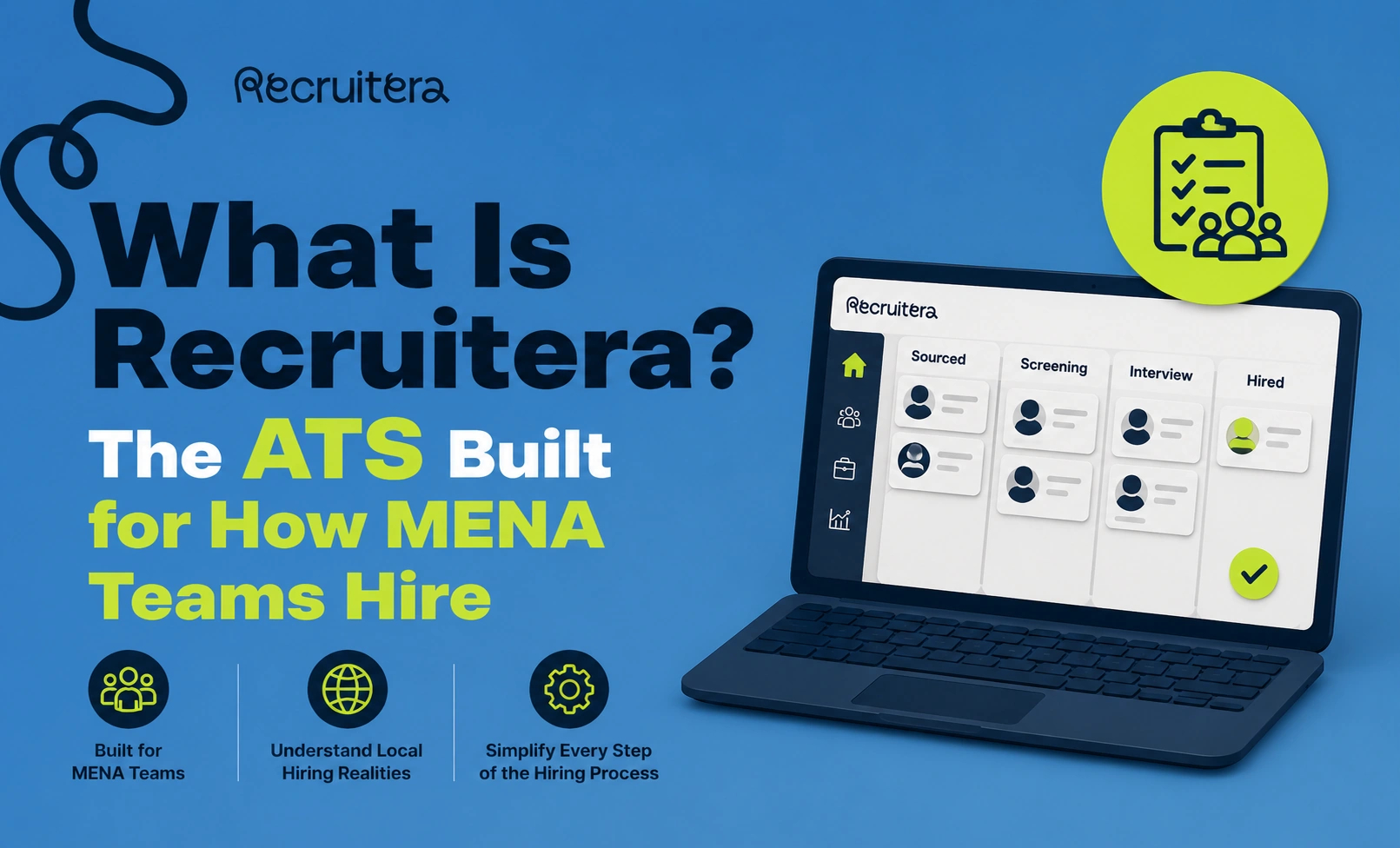

Recruiters' first go-to knowledge hub.
Visit resources →Practical guides on sourcing, interviewing and employer branding in MENA.
Read the blog →Job descriptions, offer letters, interview scorecards and onboarding checklists, ready to copy.
Browse templates →New features, improvements and release notes from the Recruitera team.
See what's new →