
Every Sunday morning, somewhere, an HR Manager is opening Excel.
They’re pulling last week’s data out from scattered channels. Copying numbers into a table. Formatting columns. Trying to remember which formula calculates fill rate. Building, from scratch, the same report they built last week and the week before.
And then their CEO asks: “How are we doing on hiring?”
A useful hiring report shouldn’t take two hours to produce. It shouldn’t live in a spreadsheet that only one person knows how to build. And it definitely shouldn’t be the thing that keeps you at your desk on Sunday night.
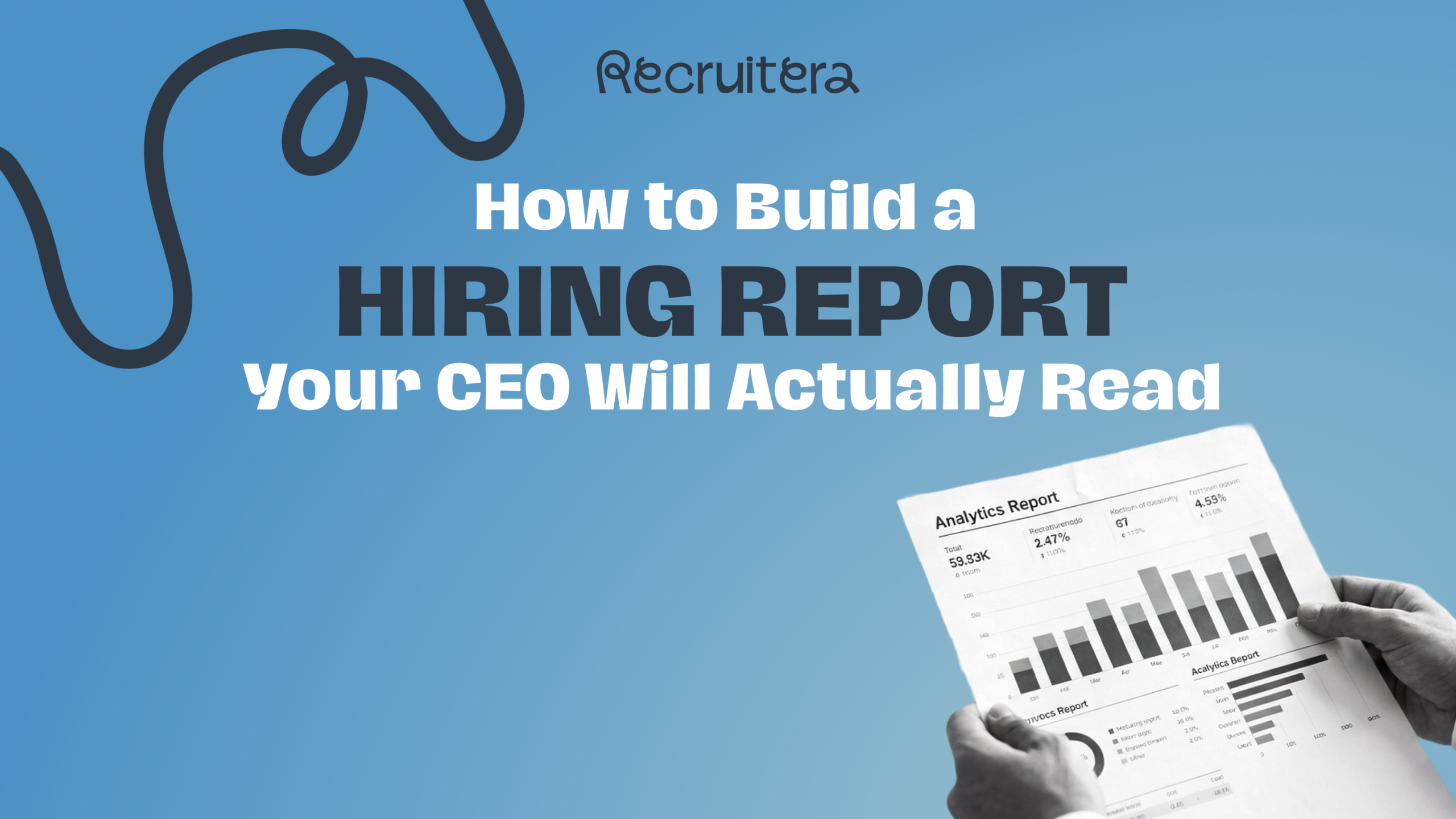
In this guide, we’ll cover what a useful hiring report actually contains, what the most important metrics are and why they matter, and how modern ATS tools let you generate the whole thing in about 9 seconds.
Why Most Hiring Reports Don’t Work
The problem with most hiring reports isn’t that teams don’t care about the data. It’s that the data is in the wrong place, in the wrong format, or missing the context that makes it actionable.
Here’s what typically goes wrong:
• The report only shows volume. Total applications. Total hires. But no conversion rates, no time metrics, no source breakdown. So, basically Your CEO sees numbers with no story.
• The data is stale. By the time you’ve exported, formatted, and sent the report, you’re already looking at last week’s reality.
• There’s no way to filter. One report for the whole company; even if different departments have very different hiring realities.
• It’s not shareable. Raw exports aren’t something you walk into a board meeting with.
A useful hiring report solves all of these. It’s real-time, filterable, and formatted for a human being; not a database admin.
What a Useful Hiring Report Includes
The best hiring reports answer four distinct questions, each with its own set of data. Think of them as four separate lenses on the same process.
First, Pipeline Health — Where Are Candidates Going?
This is your hiring funnel view. For each stage in your hiring process; Apply, Phone Screen, Interview, Evaluation, Offer, Hire; you want to know:
• How many candidates reached this stage?
• What percentage moved to the next stage? (Conversion rate)
• How long did they spend here on average? (Avg time in stage)
A stage with a low conversion rate and a high average time is a bottleneck. Candidates aren’t being rejected quickly; they’re getting stuck. That’s a process problem, not a sourcing problem, and the fix is different.
Second, Rejection Patterns — Where and Why Are You Losing Candidates?
Most teams track how many candidates they hire. Fewer track why candidates leave the pipeline — and from which sources.
Your disqualification data should show you:
• Which stage has the highest drop-off rate
• What reasons are being logged for disqualification
• Which sourcing channels generate the most rejected candidates
If ‘Poor Skills’ is your top disqualification reason and it’s concentrated in one sourcing channel, the problem isn’t your screening; it’s that channel’s candidate quality. That’s a budget decision, not a process one.
Third, Team Performance — Who Is Hiring How Fast?
Recruiter performance data is one of the most requested and least visible parts of hiring analytics. A good hiring report shows you, per recruiter:
• Total hires within the period
• Time-to-hire; how long from application to hired
• Time-to-fill; how long from job published to filled
• Offer acceptance rate; what percentage of offers extended were accepted
Side-by-side comparisons across your team make it immediately visible if one recruiter is consistently slower, or if one is generating significantly more offers that get accepted. That’s the data that drives coaching conversations — or recognition ones.
Fourth, Source Effectiveness — Which Channels Are Worth It?
Not all applications are equal. The Candidates report compares your sourcing channels by the metric that actually matters: hires versus disqualified candidates per source.
A channel generating 40% of your applications but only 5% of your hires is costing you screening time, not delivering value. A channel generating 10% of applications but 30% of hires is worth investing in more.
🎮 See it in action – Recruitera Arcade Demo
The Filter Problem Most ATS Tools Don’t Solve
Even when teams have hiring reports inside their spreadsheet or scattered in channels, they often end up rebuilding them every time they need to audit or take a look into the numbers; and that’s because the reports aren’t filterable in a way that reflects how their company is actually structured.
A company with four departments, 20 job title, and three recruiters each doesn’t need one combined report. They need to be able to slice the data by department, by recruiter, by specific job, and by time period, and combine those filters when needed.
Without that flexibility, the report is accurate but not useful. Accurate for the company as a whole. Useless for the department head who wants to know how their team is performing specifically.
The four filters that make a hiring report genuinely useful are: Date Range, Department, Job, and Team Member. Applied individually or in combination, they turn a company-level summary into a decision-making tool.
The Print Problem (And Why It Matters More Than You Think)
Here’s a scenario that plays out in most HR teams every week: the data is in the system, the metrics are there, but there’s no clean way to get them out and into a leadership meeting.
So someone exports to Excel, formats the table, writes the numbers into a slide, and walks into the room with a document that took two hours to produce and will be outdated by tomorrow.
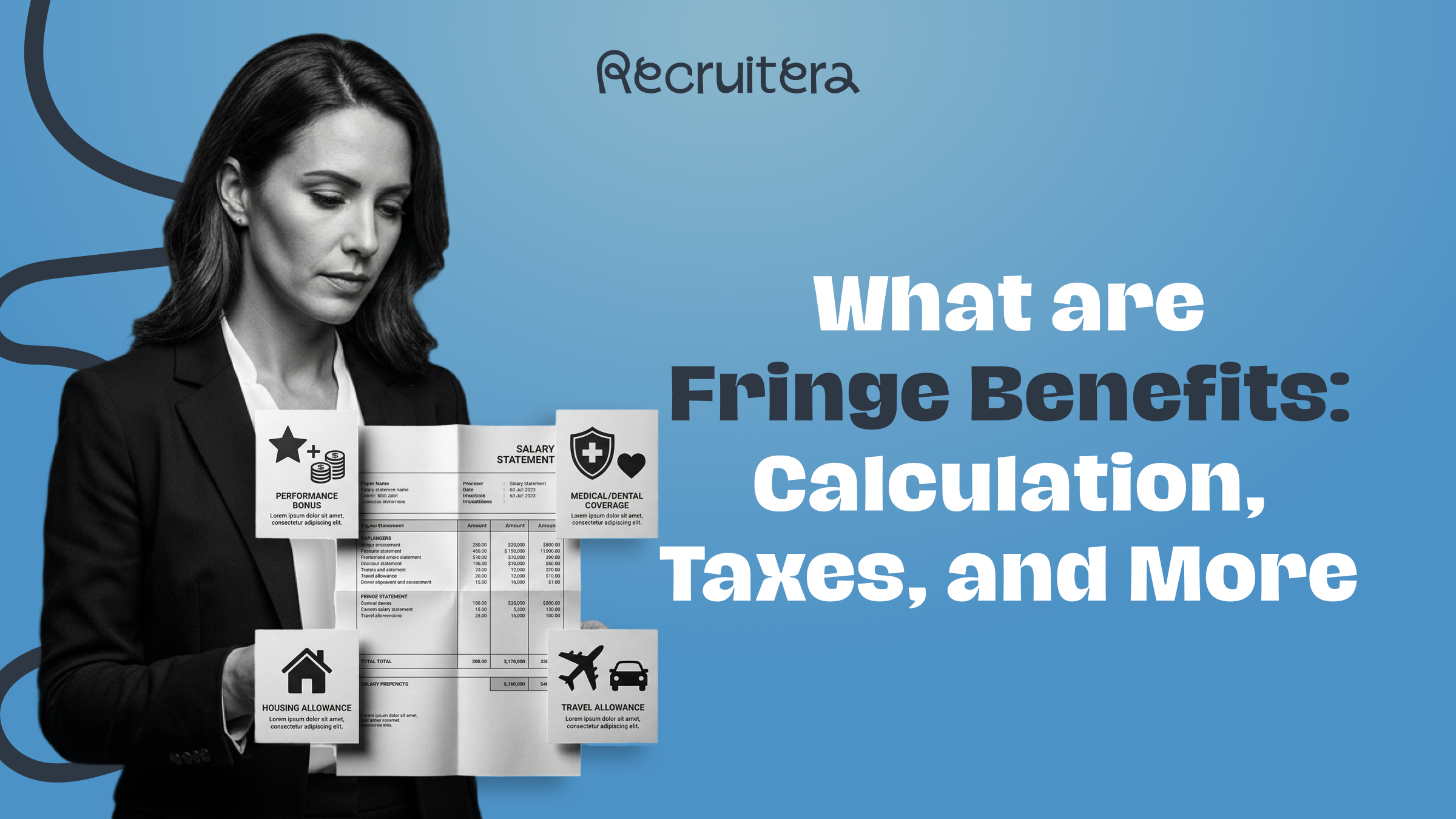
A useful ATS reporting module should let you do this: open the report, apply your filters, hit Print, choose which sections to include; Scorecards, the data table, or the charts; and generate a formatted output that’s ready to share.
No reformatting. No exports. No Sunday night spreadsheet ritual.
What This Looks Like in Recruitera
Recruitera’s updated Reports module is built around exactly these four reporting needs. The Analytics section now includes:
• Hiring Funnel — Stage-by-stage pipeline view with conversion rates, avg time in stage, and a candidates-over-time chart.
• Disqualification — Rejection breakdown by stage and source, with a disqualification reasons chart.
• Hires — Team performance view with individual recruiter metrics and a hires-by-source breakdown.
• Candidates — Source effectiveness table comparing hires versus disqualified candidates per channel.
All four reports support filtering by Date, Department, Job, and Team Member, combinable. And every report can be printed with section-level control: choose Scorecards, Table, Charts, or all three.
The update was built directly from customer feedback. Reporting & Data Access was the most requested feature area on Recruitera’s feedback board. The goal was simple: give hiring teams the data they already have, in a format they can actually use.
A Checklist for Your Next Hiring Report
Before you send your next hiring update to leadership, make sure your report covers:
• Pipeline conversion rate at each stage, not just total candidates
• Stage with the highest average time, your current bottleneck
• Top disqualification reason, and which source it’s coming from most
• Time-to-hire and time-to-fill, ideally per recruiter, not just company average
• Source comparison: hires vs. disqualified per channel
If you’re pulling these numbers manually from multiple places and formatting them yourself, your ATS should be doing that work for you.
Final Thought
A good hiring report isn’t a summary of activity. It’s a decision-making tool. It tells you where to focus, what to fix, and what’s already working.
The best ones take 9 seconds to generate, not 9 hours and definitely not 9 days . If yours still takes that much, that’s worth fixing.